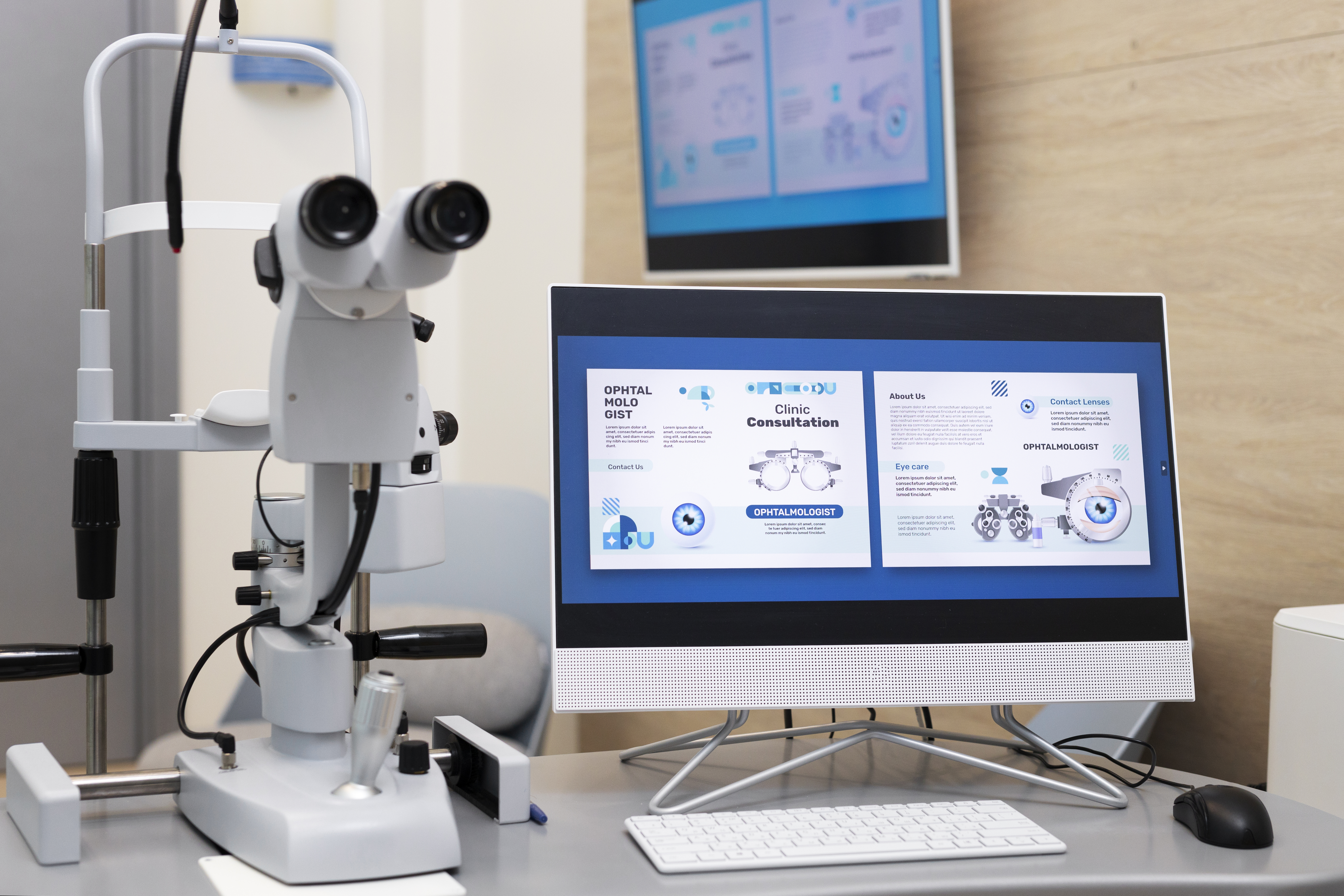
An optometry practice works with a large volume of data every day: patient medical records, appointment schedules, billing and inventory of consumable supplies. Cloud-based optometry software combines electronic health records, practice management and billing in a single cloud platform that can be accessed from anywhere without relying on a local server. In this article, we explain what a cloud-based electronic health record system for optometrists is, why a practice needs one, how to choose and implement it, and which common mistakes clinics make when moving to this type of solution.
What Is Cloud-Based Optometry Software?
Practice management software for an optometry clinic is a system that combines several functions: electronic health records, patient scheduling, billing and insurance management, as well as inventory and consumable supply management. Unlike locally installed software running on a clinic's own server, a cloud-based system stores data on remote servers managed by the software provider and can be accessed over the internet from different devices.
There are several types of software available for optometry practices, ranging from specialized electronic health record systems to comprehensive platforms that combine practice management and clinical documentation within a single interface. Well-known solutions in this market include Acuitas, including Acuitas 3, Eye Cloud Pro, Liquid EHR, Eyefinity Encompass, Crystal PM and DrChrono. Some are designed as all-in-one platforms that include billing and inventory management, while others focus primarily on electronic health records and offer practice management as an additional module.
Who Is a Cloud-Based System Suitable For?
- A small independent practice — a basic set of features such as electronic health records, scheduling and billing is usually sufficient without unnecessary modules designed for multi-location reporting.
- A practice with multiple locations — a centralized patient database and schedule accessible from every location are important, along with consolidated reporting across the entire practice network.
- A clinic that also sells optical products — frames, lenses and contact lenses — where inventory management is required alongside clinical functionality.
Electronic Health Records and Practice Management: What Is the Difference and Why Are Both Needed?
Electronic Health Records for an Optometry Practice
Electronic health record software stores patient information, including examination results, treatment and prescription history, vision data and diagnoses. It forms the foundation of the clinical side of an optometrist's work. Without a structured medical record, it becomes difficult to monitor changes in a patient's condition across repeat visits.
Practice Management Software as the Operational Layer of the Clinic
A practice management platform handles the administrative side of the clinic, including appointment scheduling, patient reminders, billing and communication with insurance companies. When the electronic health record and practice management modules are integrated into a single platform, staff do not need to enter the same patient information into two separate systems.
Why an Optometry Practice Needs a Cloud-Based Solution
Simplifying the Clinic Workflow
A cloud-based electronic health record system helps simplify everyday processes, from registering a patient at reception to providing clinical information to the optometrist in the examination room. The schedule, medical record and payment status can all be viewed within one interface, reducing the time spent switching between different programs and paper records.
Automating Routine Tasks
Automatic appointment reminders by SMS or email and online appointment scheduling reduce the administrative workload and help lower the number of missed appointments, allowing staff to spend more time working directly with patients.
Access from Anywhere and Multi-Location Management
Because the data is stored in the cloud, an optometrist or administrator can access the practice management platform from any location with an internet connection. This is particularly useful for practices operating across multiple locations: patient records, schedules and product inventory can all be viewed in one centralized database without manually reconciling information between branches.
Inventory Management for Consumables and Optical Products
For clinics that sell frames, lenses and contact lenses, an inventory management module is important. It provides real-time stock information and helps staff reorder products before they run out without distracting them from patient care.
Imaging Management and Patient Communication
Many cloud-based optometry systems include ophthalmic image management functionality, allowing retinal images and diagnostic results to be stored directly within the patient's record. Platforms may also provide patient communication tools such as messaging campaigns, review collection and online reputation management, helping practices retain existing patients and attract new ones through referrals.
How to Choose a Cloud-Based System for an Optometry Practice: Key Criteria
- A comprehensive electronic health record designed specifically for optometry rather than generic medical software.
- Integrated billing and insurance management, allowing invoices and medical claims to be processed without transferring information to a separate program.
- User-friendly scheduling and online appointment booking with automatic reminders.
- Integrated payment processing, allowing payments to be accepted directly through the system without relying on separate services.
- Flexible configuration for the workflows of a specific practice, from a small independent office to a multi-location clinic network.
- Support for multiple locations if the practice already operates several offices or plans to expand.
- Reliable customer support from the software provider, both during implementation and when technical issues occur.
How to Move to a Cloud-Based System: Step by Step
- Define the required functionality: determine whether basic electronic health records and scheduling are sufficient or whether the practice also needs billing, inventory management and imaging functionality.
- Compare available options: evaluate several solutions against the actual needs of the practice rather than relying only on the feature lists provided on vendors' websites.
- Migrate patient data: export medical records, appointment history and schedules from the previous system or paper archives.
- Configure workflows: create examination templates, diagnosis directories and service lists so that optometrists and administrative staff follow a consistent workflow.
- Train the staff: provide training based on real scenarios, such as patient visits, billing and working with diagnostic images, instead of simply demonstrating the interface.
- Test the system on selected appointments: during the first one or two weeks, process some visits in both the old and new systems to identify any data inconsistencies before completing the transition.
Common Mistakes When Choosing and Implementing a Cloud-Based System
- Choosing generic medical software without considering the specific requirements of an optometry practice, which can result in certain information, such as vision parameters, having to be maintained separately.
- Ignoring the quality of vendor support — when technical problems occur in a cloud-based system, it is important to receive assistance quickly.
- Providing insufficient staff training based on real patient workflows, which results in many system features not being used.
- Skipping a testing period before the full transition — switching systems too quickly increases the risk of losing or incorrectly migrating patient data.
- Choosing a solution based only on price without considering whether its functionality is suitable for a small independent practice or, conversely, a multi-location clinic network.
Frequently Asked Questions
Is It Safe to Store Patient Medical Records in the Cloud?
Cloud software providers for medical practices typically provide server-level data security and backups, reducing the risk of data loss compared with storing all information locally on a single computer or clinic server.
Is a Cloud-Based Solution Suitable for a Small Independent Practice?
Yes. Many platforms are specifically designed for small and medium-sized optometry practices and allow clinics to use only the modules they need without paying for functionality intended primarily for large practice networks.
How Long Does It Take to Move to a New System?
The timeframe depends on the volume of data and the complexity of the practice's workflows. Data migration and basic configuration usually take anywhere from several days to several weeks, especially when the implementation includes a period of parallel testing.
Conclusion
Cloud-based optometry practice software combines electronic health records, appointment management and billing in a single system that can be accessed from anywhere. It helps reduce errors when working with patient data, simplifies scheduling and inventory management, and allows staff to spend more time with patients instead of handling paperwork. When choosing a solution, practices should focus on their actual requirements — clinic size, number of locations and required modules — rather than simply comparing the overall feature lists of different platforms.